To access the DepthNode platform, go to https://app.depthnode.ai/ and choose to log in with Google or with your email and password.
Access the Login Page
- Open any web browser and go to https://depthnode.ai/.
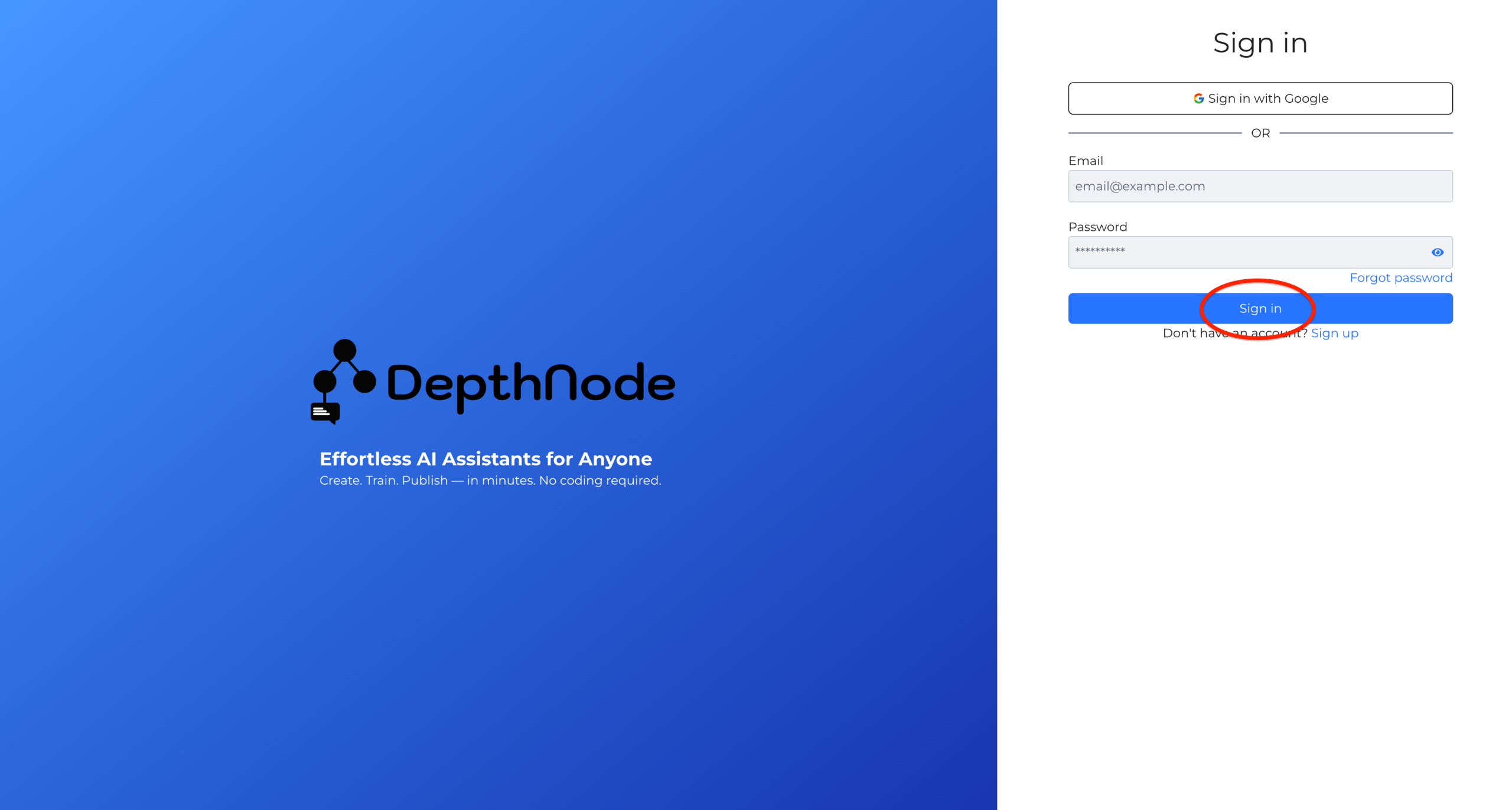
- Click on the Sign In button or link and the Sign In page will appear as shown below.
- Choose one of the following login options.
- Sign in with Google: Click the “Sign in with Google” button to log in instantly using your Google account.
- Email and Password: Enter your registered email address and password, then select Sign in.
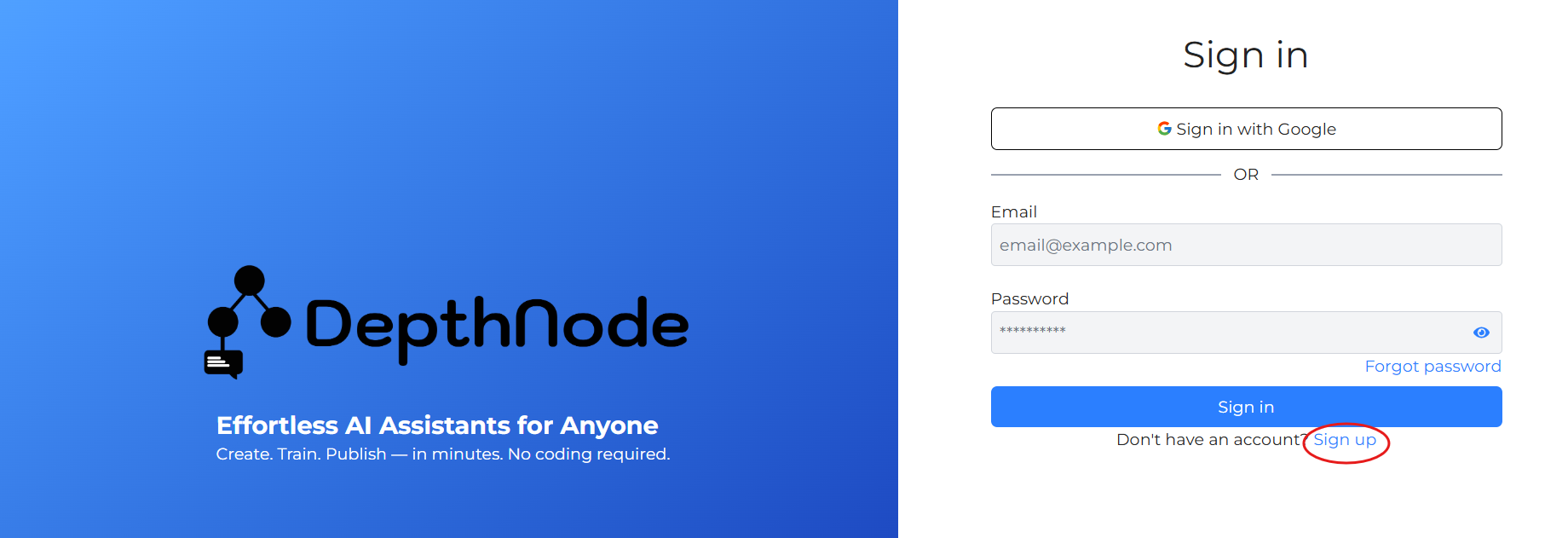
- If you do not yet have an account, click Sign up to register.
- Once signed in, you will be directed to the Dashboard (Home Screen), where all assistants and account options are displayed.
Sign up for new account
- New users who first access DepthNode can create an account.
- As it can be seen “Don’t have an account? Sign up”, click on Sign up.
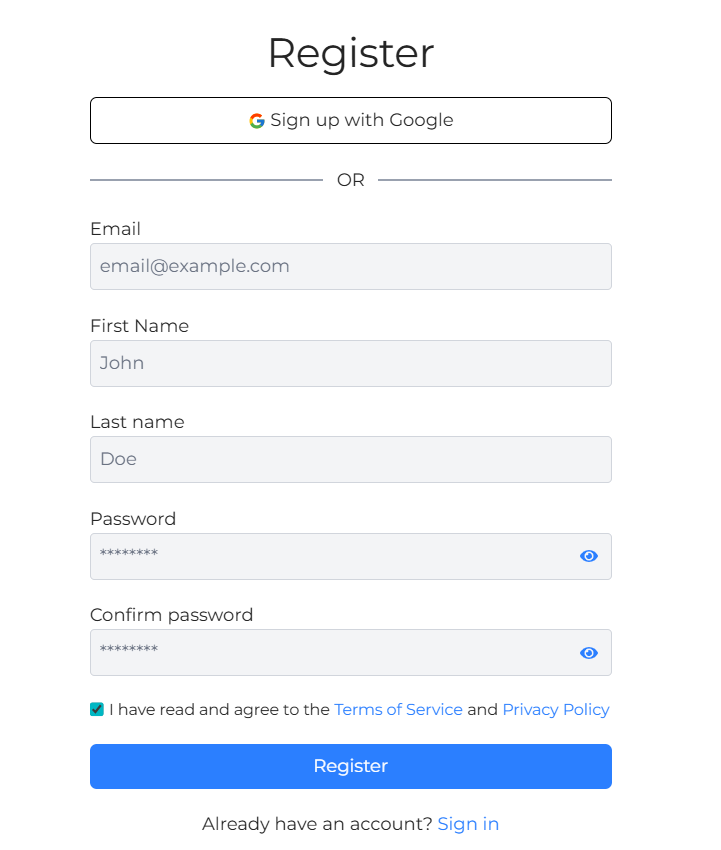
Users are required to enter Email address, First name, Last name, set up Password and confirm password.
Remember to tick on the box “I have read and agree to the Terms of Service and Privacy Policy” before clicking on Register.