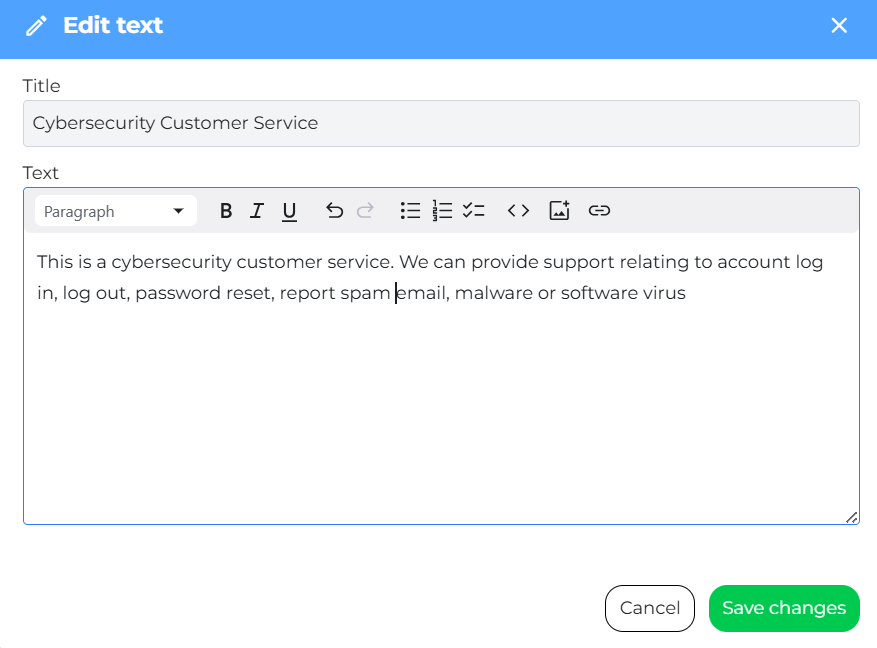
Use free text training to provide your assistant with custom information in plain text format. This is ideal for sharing general knowledge, guidelines, or instructions in an unstructured way. Users can edit or delete these entries as needed.
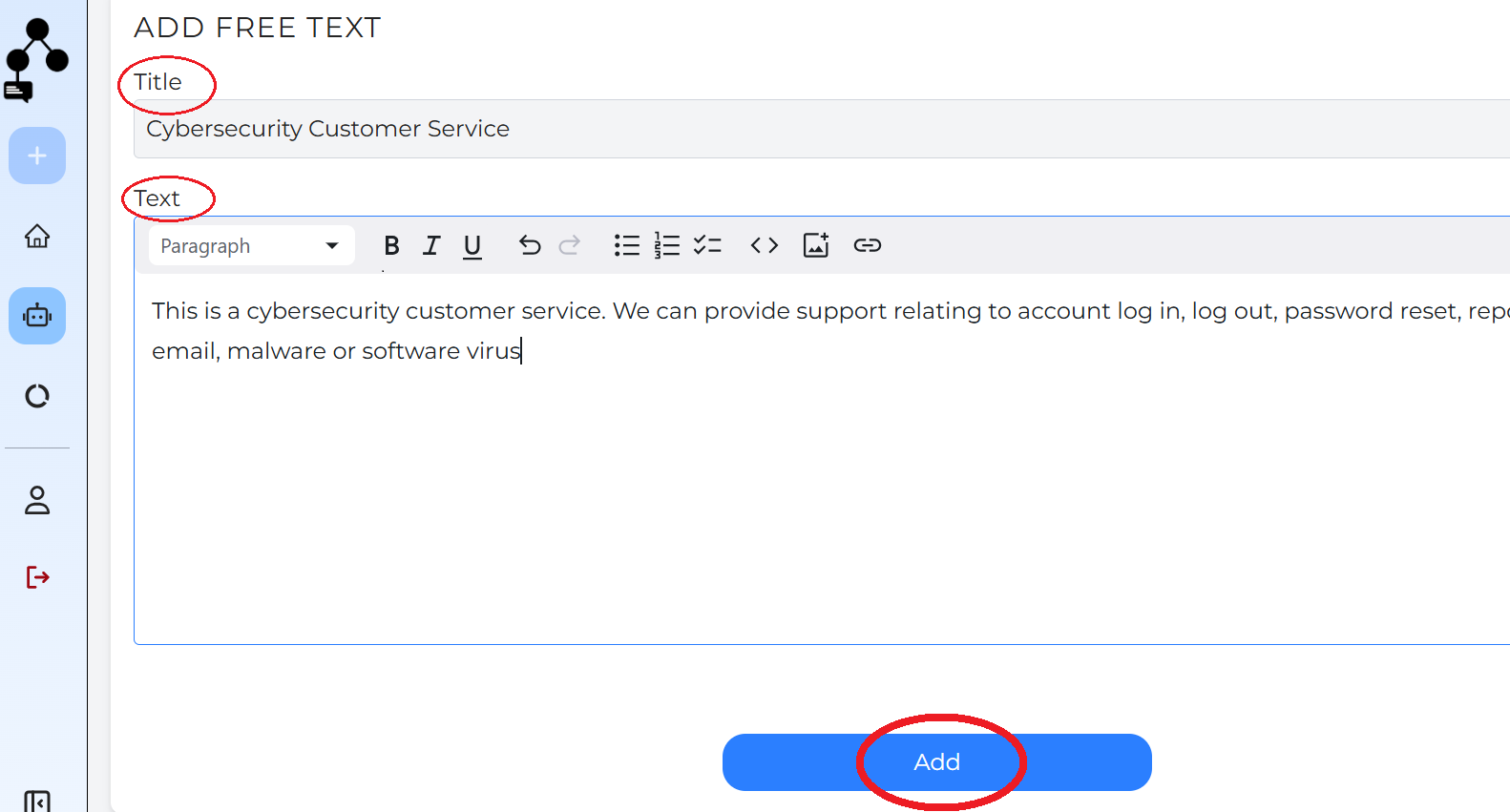
Users write a piece of text, or copy and paste blocks of text.
Title is required.
Click “Add” to save the text.
The text then becomes a part of the Knowledge base (KB).
Added text will appear at the bottom of the list with its title, along with a specific date and time of upload.

To edit an entry, click the pencil icon, make your changes, and then click “Save Changes”.
To delete an entry, click the red bin icon
Search Feature in Training
A search bar has been added allowing users to quickly search and find previous piece of text, making editing easier.
The search function is now available across multiple fields in the Training section, including Q&A, Websites, Documents and Images.
This allows users to quickly locate specific training content across different knowledge sources.
Tip: Always review your edits before saving to ensure the assistant has the correct information.