External platform integration allows you to connect your DepthNode assistant with other applications to create automated workflows. This makes it possible to send data collected in chats, such as form submissions to external tools for storage, tracking, or further processing.
DepthNode uses webhooks to enable these integrations. A webhook allows DepthNode to securely send data to another application as soon as an event occurs.
With external integrations, you can:
-
Automatically collect and store user data
-
Trigger workflows without manual effort
-
Connect DepthNode to tools you already use
What This Guide Covers
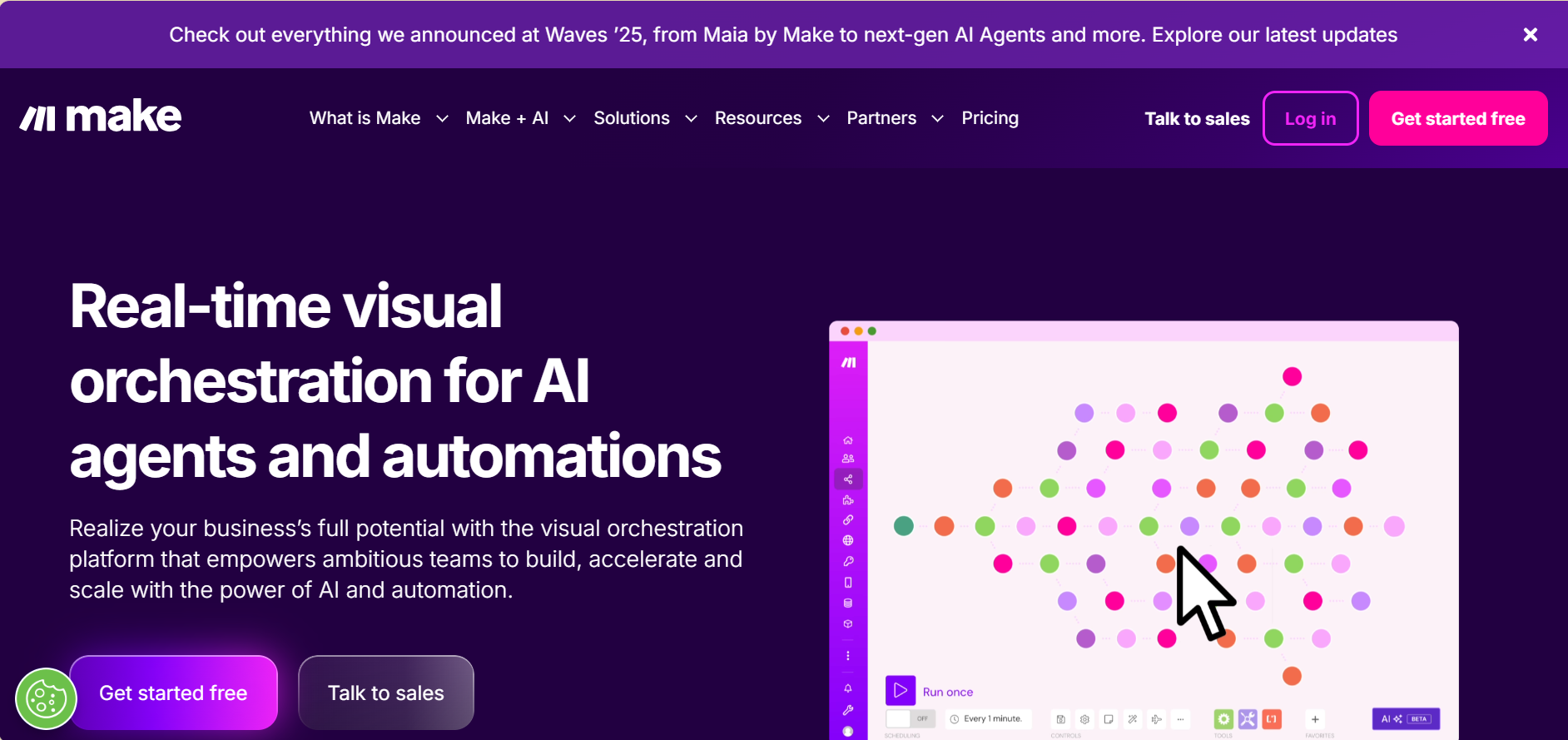
This guide demonstrates how to integrate DepthNode with an external application using webhooks, the example shown will use Make.com.
In this example, you will learn how to integrate DepthNode with an external application to create an automated workflow. Specifically, the guide will show you how to:
-
Prepare a Google Sheet to receive data
-
Set up a DepthNode form to collect user information
-
Use Make.com to automatically send form data from DepthNode to the Google Sheet via a webhook
This example demonstrates how data flows from a DepthNode chat into an external system and serves as a foundation for building more advanced integrations and automations.