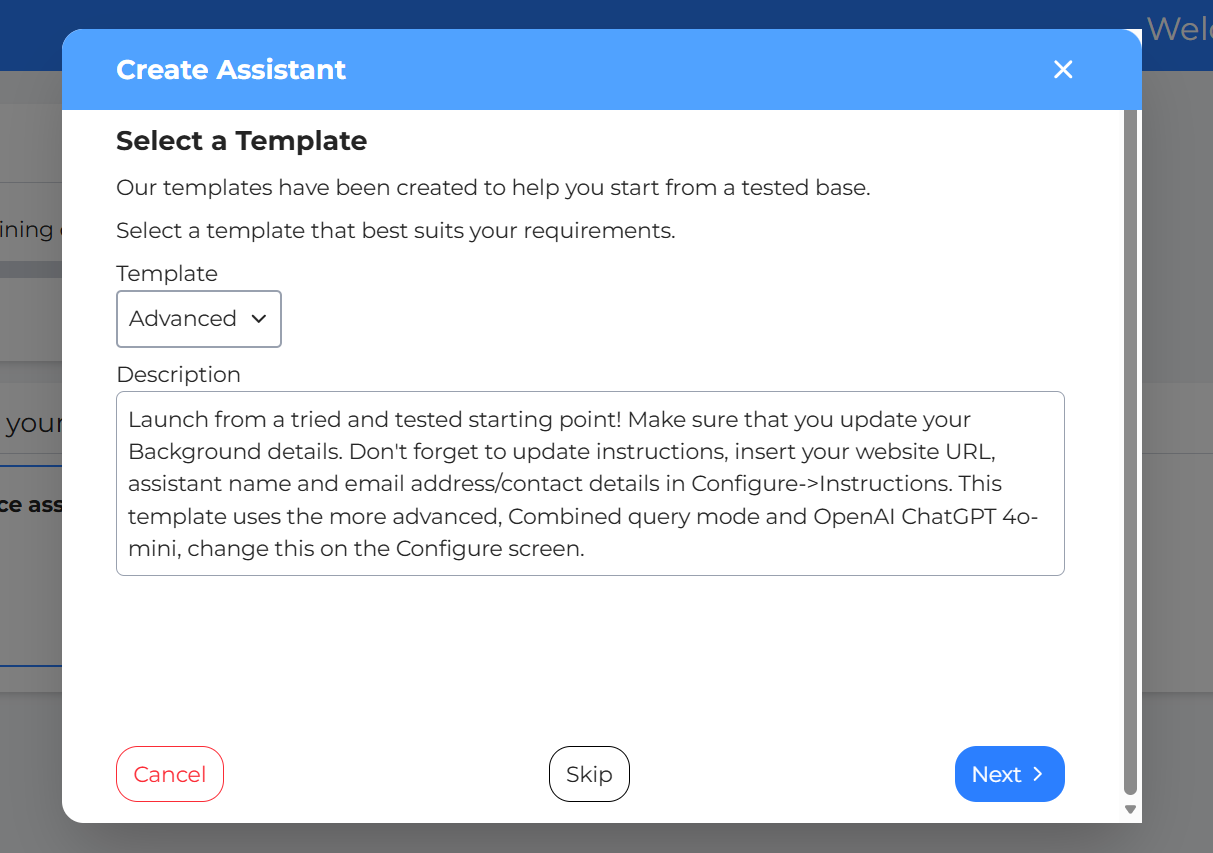
Create Assistant: The first step is to create an assistant. Click on the “Create Assistant” to do just that.
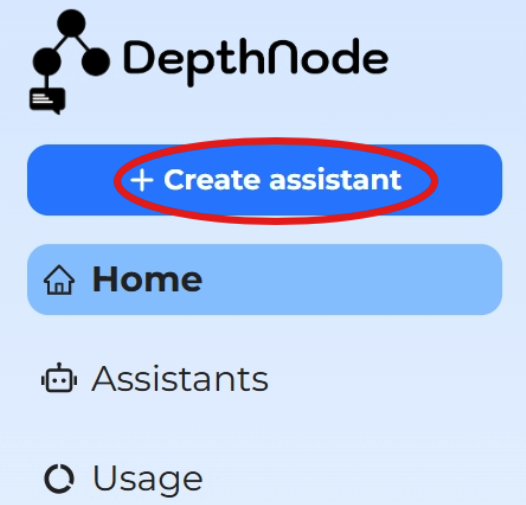
Select a Template
Once you click create the create assistant button, it will launch the create assistant wizard. Then, you simple follow the steps starting by selecting a template and clicking next until the wizard completes.
To skip the wizard, click “Skip”, it will lead you straight to your new assistant.