
You can train your assistant using website content by adding URLs. Preloading web pages into the knowledge base enables faster responses, though it’s best suited for static websites, as changes to the live site may not appear immediately.
Provide the URL of a website for the assistant to read and learn from.
The assistant reads the website’s content and learns from it.
It then uses that information to answer user questions.
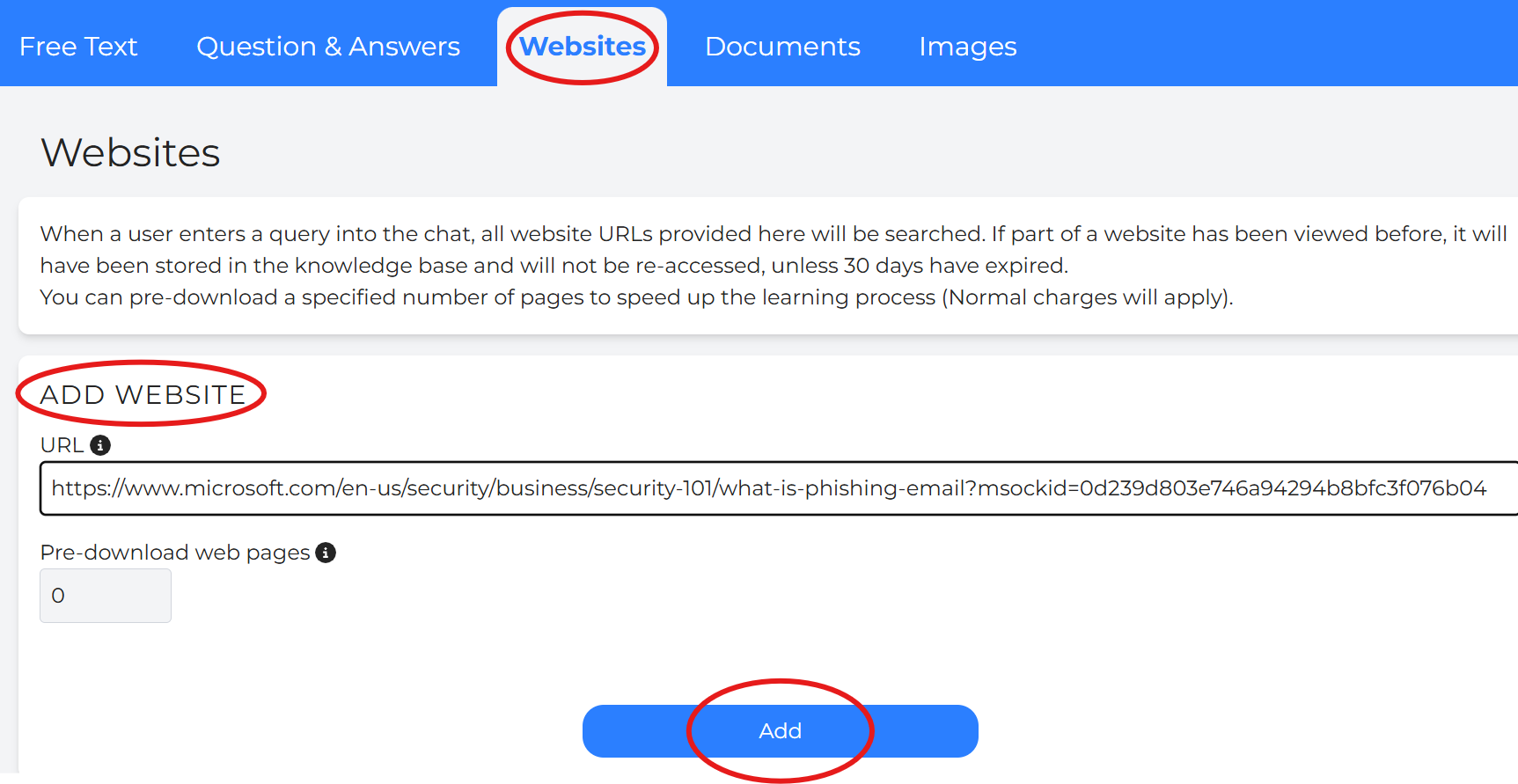
Current Websites
Each website entry shows the full URL, along with the date and time it was added and the loading status (e.g., “Finished”).
To delete a website entry, click the red bin icon.
The Search bar supports users to navigate for the uploaded websites.
Tip: There is no edit option for websites, so ensure the URL is correct before adding.

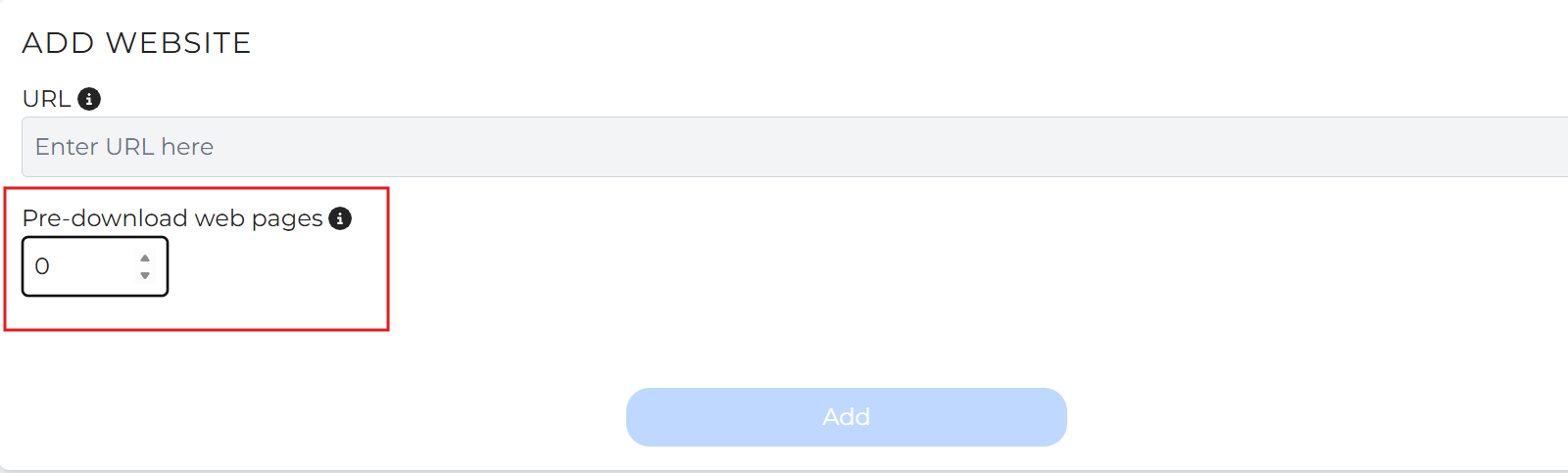
Preloading stores content from a specified number of webpages into the knowledge base for up to 30 days.
This helps reduce response time, as the assistant can reference stored website content instead of repeatedly reading live webpages when answering user queries.
Because preloaded pages are stored as snapshots, any updates made to the website will not be reflected until the content is refreshed or reloaded after the 30-day period.
For this reason, preloading is best suited for websites with mostly static or infrequently updated content.
Only publicly accessible webpages can be preloaded.
The website URL must belong to a domain you own or are authorized to manage, and the pages must not require login access or other access restrictions.
If a website cannot be crawled due to security settings, unsupported page structures, or access limitations, you can alternatively:
Copy and paste website content directly using Text Training
Upload supported documents manually to the knowledge bas
Preloaded or listed website URLs can be removed at any time by deleting them from the Website Training list.
