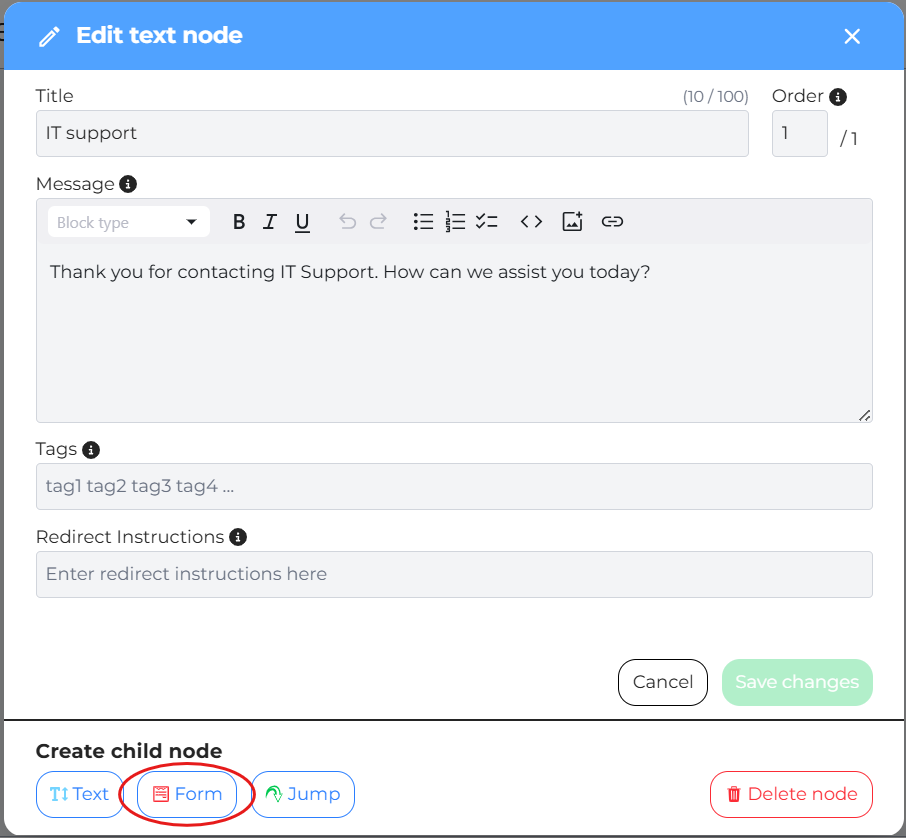
Within your DepthNode assistant (e.g., the “Sale System” Assistant), you will add a Form Node to collect the user data.
Add a Form Node: Navigate to the relevant point in your assistant’s flow (e.g., from the IT support node) and add a Form Node.
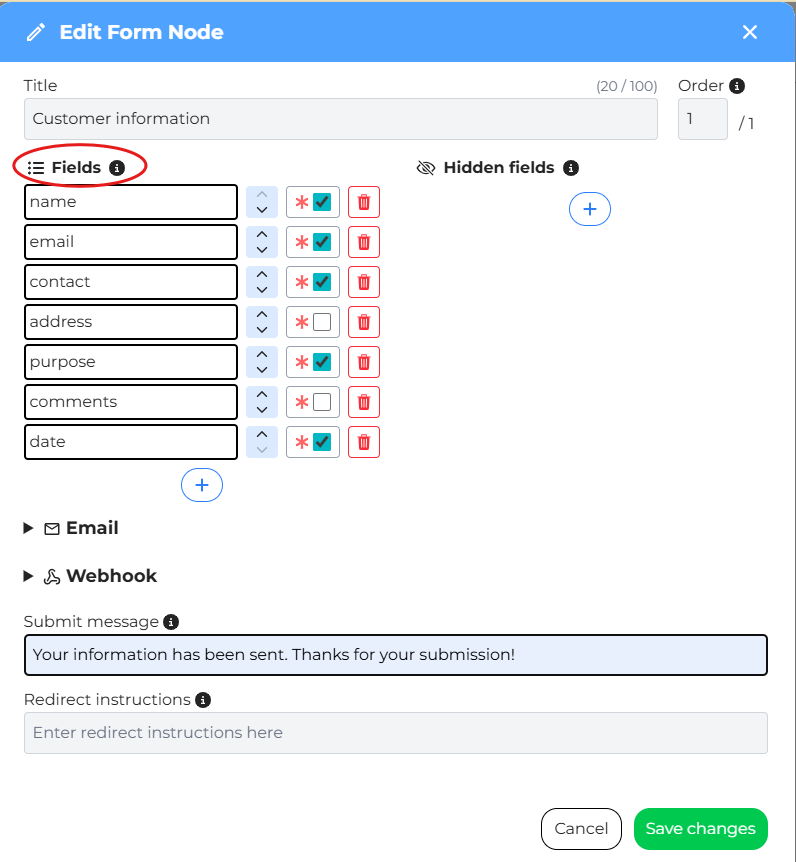
Edit the Node: Name the node (e.g., ‘Customer information’).
Add Form Fields: Add the corresponding fields for data collection:
- Name
- Contact
- Purpose
Set Requirements: Set necessary fields (e.g., Name and Email) as required.
Add Hidden Field: Include a Hidden Field to send contextual information that won’t be seen by the user:
Key: type
Value: sales
Note: This is crucial for distinguishing submissions if multiple forms feed into the same sheet.